EXPERIMENTAL
Lo-Fi Photo Filter
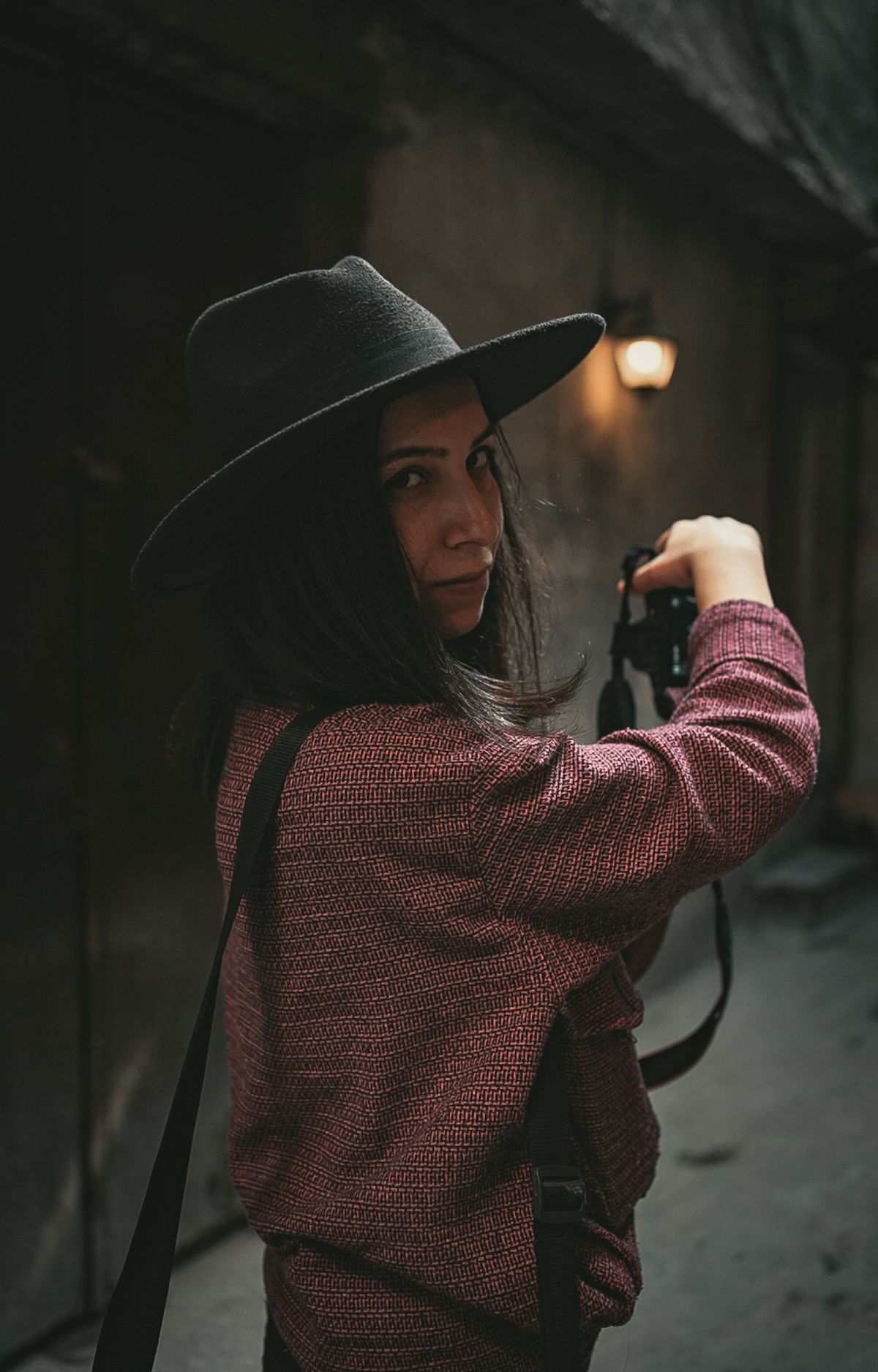
Lo-Fi is made for details, textures and street scenes where a clean studio finish would feel too polished.
Browser-based No registration JPG · PNG · WEBP
RECAUTO
01/09/04ISO 400 F2.8 1/12501/18
01TRY LO-FI PHOTO FILTER
BROWSER EDITOR
Make the look yours.
Upload a photo, pick a camera mood and export a new version in your browser.
REC12:42 PM
01/09/2004ISO 400 F2.8 1/125001/128
01/09/2004 12:42 PMSAMPLE PREVIEWUpload a photoJPG, PNG or WEBP · up to 12 MB
Choose a camera styleLow-key, imperfect and graphic
Texture & lightfine-tune the finish
Frameoptional camera detail
Output ratiocrop stays centered
Download formatchoose your file type
editable camera layer
Use the toggle below to include or hide it in the preview and export.This export is processed in your browser. No image is sent to the server. The original file is not changed.
ABOUT THIS TOOL
Lo-Fi Photo Filter, without the app download.
Create a graphic lo-fi treatment with stronger contrast, restrained color and a deliberately imperfect mood. The basic version is designed to make one useful transformation quickly, while keeping the controls understandable on desktop and mobile.
Best forStreet scenes, textures and detail shots
Supported filesJPG, PNG, WEBP
ProcessingBrowser or opt-in server
HOW TO USE
01Upload a photo
02Choose the preset
03Adjust the intensity
04Download the result
FAQ
Questions about lo-fi photo filter.
Lo-fi edits usually embrace lower fidelity, less polished color and more visible mood over technical perfection.